Pairing the heat link.
Wireless connection
Pairing the heat link wirelessly to the display may have failed, even with a wired connection.
It may pair wired but will not pair wirelessly or maybe not pair at all, with or without a wired connection. Here’s what to do:
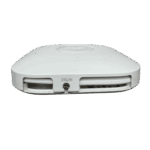
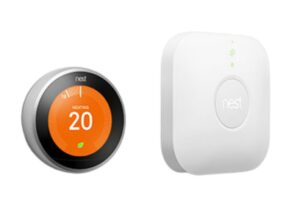
- Find your heat link. It has one button in the middle.
Push and hold the button for 30 seconds until it is a pulsing blue light.
Wait ten seconds then reset it once more. Now try Reset Paring on the display
- Get your heat link entry key. Found on your previous display: Settings > Technical Info > Heat Link > Entry Key (its 6 digits). With the cover removed find it on the left hand side below screw hole. Also printed on the outside of the heat link cover at the bottom.
- On your thermostat select reset pairing, if that fails then try
Replace heat link. Enter the 6 digit entry key.
If this fails move the thermostat closer and repeat the process. Reset the display holding it in your hand pressing and holding for one minute. Then with a wired connection to the heat link try again.