Google Nest Heat Link help
Pairing the Heat Link. Wireless connection
Pairing the Heat Link wirelessly to the display may have failed, even with a wired connection.
It may pair wired but will not pair wirelessly, or may not pair at all, with or without a wired connection. Here’s what to do:
-
Find your Heat Link. It has one button in the middle.
Push and hold the button for 30 seconds until it is a pulsing blue light. Wait ten seconds, then reset it once more. Now try Reset Pairing on the display. - Get your Heat Link entry key. It can be found on your previous display under Settings > Technical Info > Heat Link > Entry Key. It is 6 digits. With the cover removed, it is also printed on the left-hand side below the screw hole, and on the outside of the Heat Link cover at the bottom.
- On your thermostat, select Reset Pairing. If that fails, try Replace Heat Link, then enter the 6 digit entry key.
If this fails, move the thermostat closer and repeat the process. Reset the display while holding it in your hand by pressing and holding it for one minute. Then try again with a wired connection to the Heat Link.

Also on Heat Link with cover removed
How to get a wireless connection. Linking the Nest display to the Heat Link.
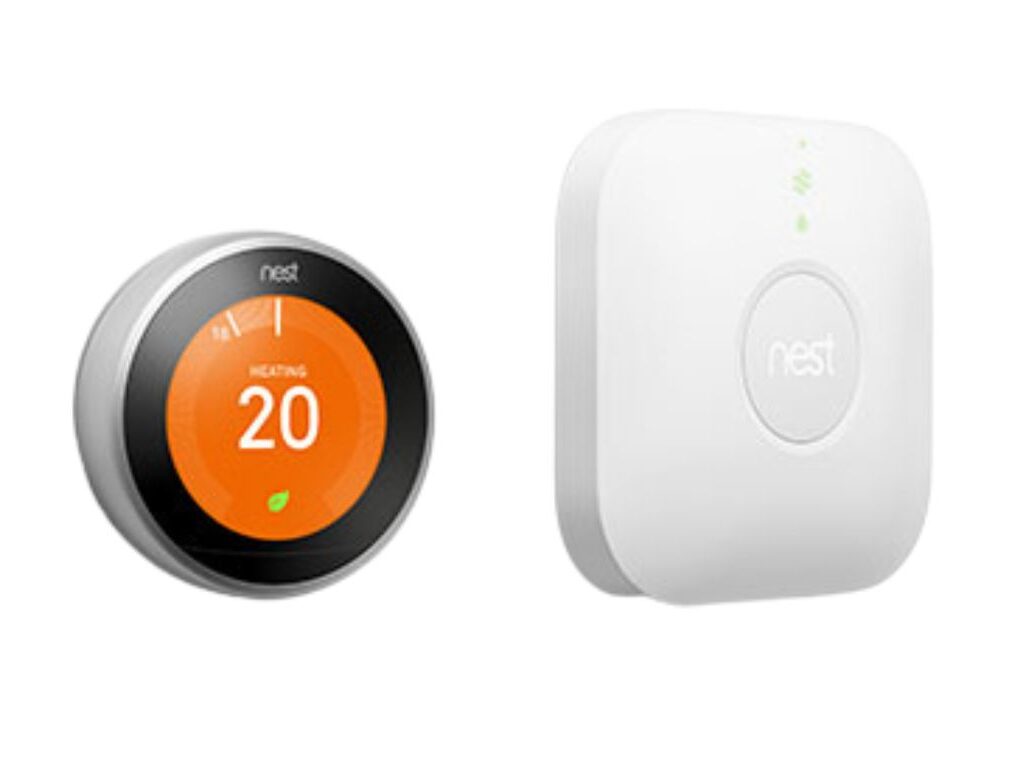
Nest Thermostat & Heat Link Setup
Pairing & setup · £99
Heat Link replacement · £149
Greater London