Pairing the heat link wirelessly to the display may have failed, even with a wired connection.
It may pair wired but will not pair wirelessly or maybe not pair at all, with or without a wired connection. Here’s what to do:
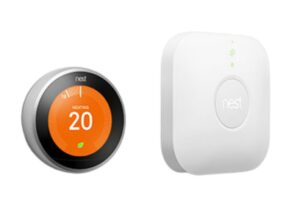
Find your heat link. Push and hold the button for 30 seconds until it turns pulsing blue. Wait ten seconds then reset it once more. Now try Reset Paring on the display
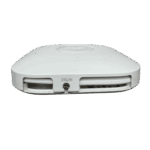
Get your heat link entry key. Found on your previous display: Settings> Technical Info> Heat Link> Entry Key (its 6 digits). With the cover removed find it on the left hand side below screw hole. Also printed on the outside of the heat link cover at the bottom.
On your thermostat select reset pairing, if that fails then try Replace heat link. Enter the 6 digit entry key.
If this fails move the thermostat closer and repeat the process. Reset the display holding it in your hand pressing and holding for one minute. Then with a wired connection to the heat link try again.
Heat Link Code Location Also on heat link with cover removed
How to get a wireless connection.
Linking the Nest display to the Heat Link.
Book a Nest Thermostat Technician with Smart Thermostat Pro